Every pen name, one view
Connect each pen name's Notion content-calendar database once. See every schedule together, grouped clearly by pen name—not buried five databases deep.
Roll up every pen name's Notion content-calendar database into one unified, elegant view—grouped by pen name, no color-coded clutter. See what's going out across your whole author operation without opening five different databases.
Connect each pen name's Notion content-calendar database once. See every schedule together, grouped clearly by pen name—not buried five databases deep.
No color-coded chaos. Entries are grouped by pen name with clean typography, a dashed/solid/faded border for status, and a small platform label—legible, not loud.
Update Scheduled Date or Status on a page in Notion and it is live in the widget on your next refresh. No re-embedding, no manual syncing.
Every entry deep-links straight to its Notion page. The widget stays read-only—editing always happens in Notion itself, exactly where you already work.
Switch between a month grid, a focused week view, or a scrollable list—whichever fits how you plan.
Your Notion workspace, your website, your link-in-bio—one widget, one embed URL, wherever your schedule needs to be visible.
Instant delivery. Your private setup link is emailed right after purchase. All sales final.
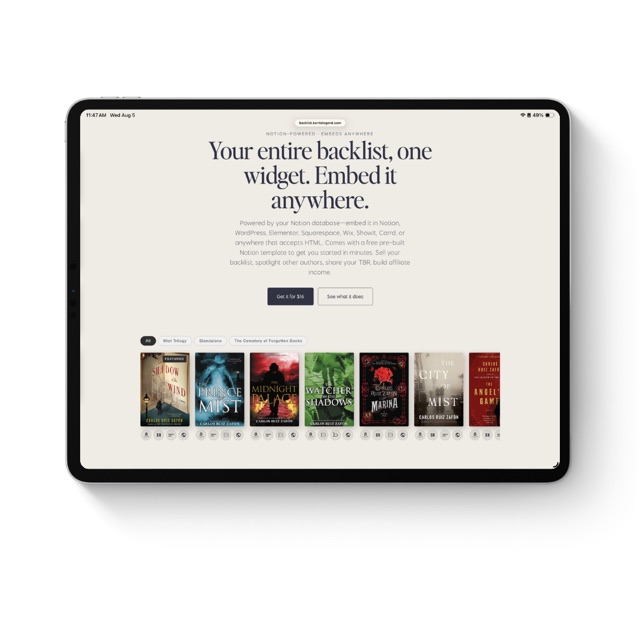
Your entire backlist, one widget. Embed it anywhere.
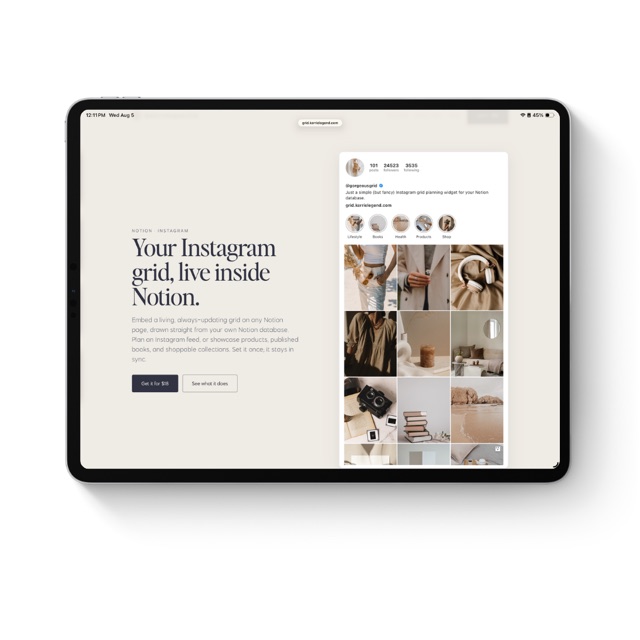
Your Instagram grid, live inside Notion.
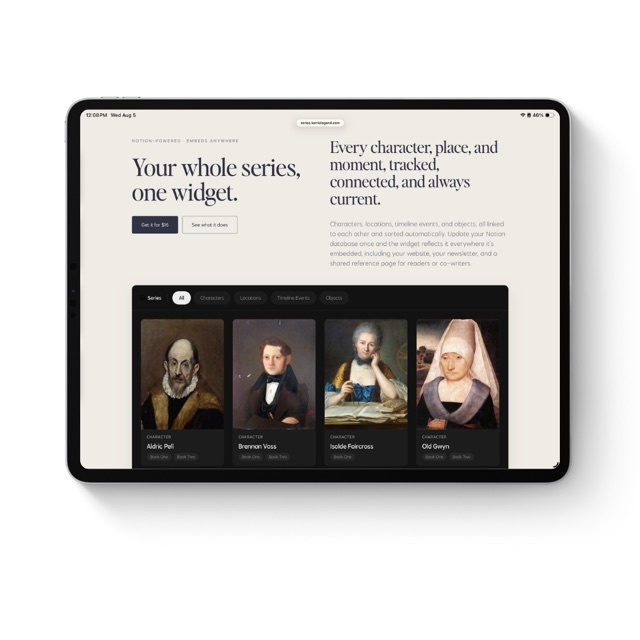
Your whole series, one widget.
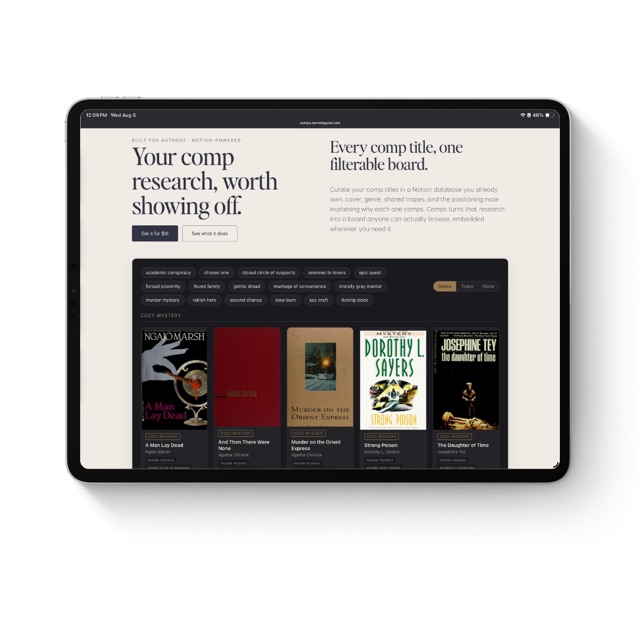
Your comp research, worth showing off.
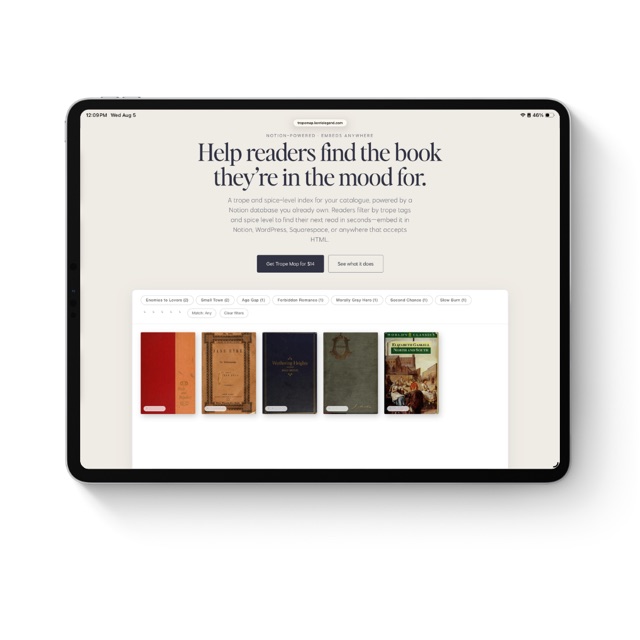
Help readers find the book they're in the mood for.
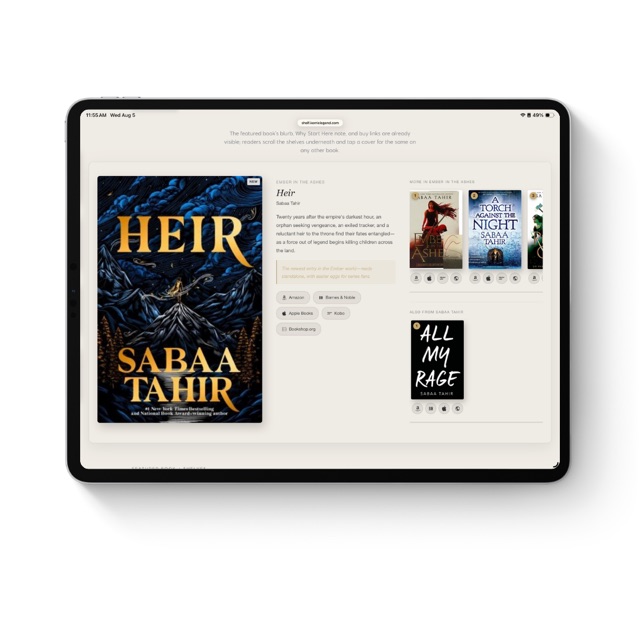
Your featured book, your shelves, one widget. Embed it anywhere.
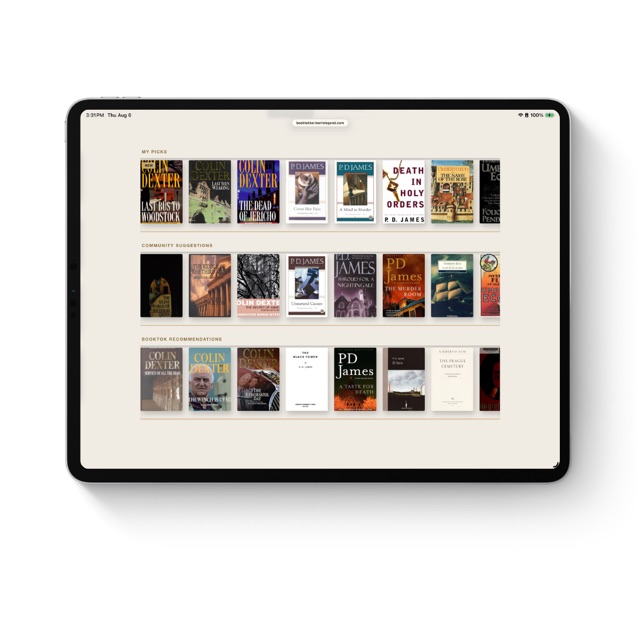
Your TBR, three shelves, one widget. Embed it anywhere.
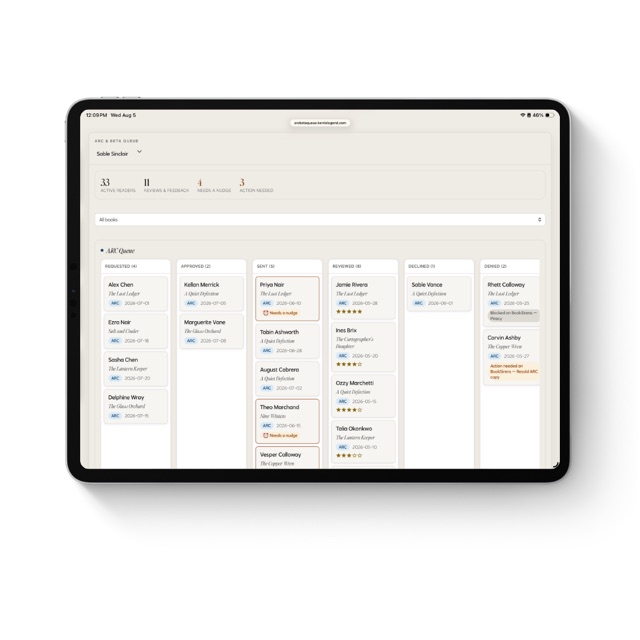
The reader tracker that tells you who needs a nudge.
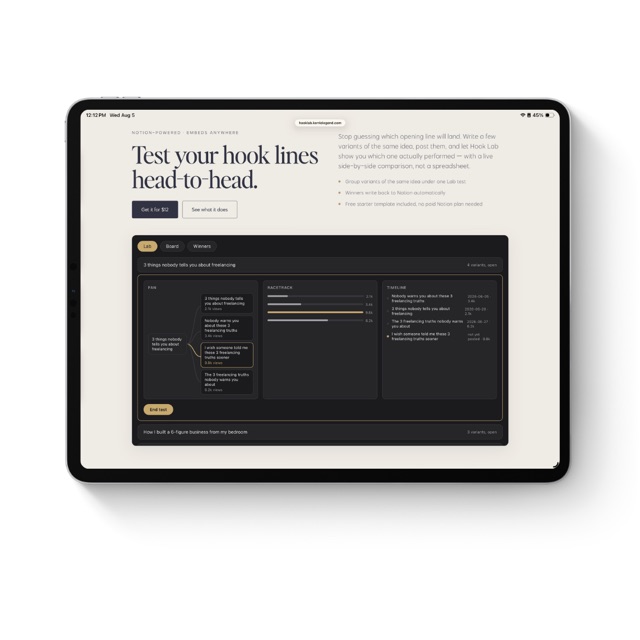
Test your hook lines head-to-head.
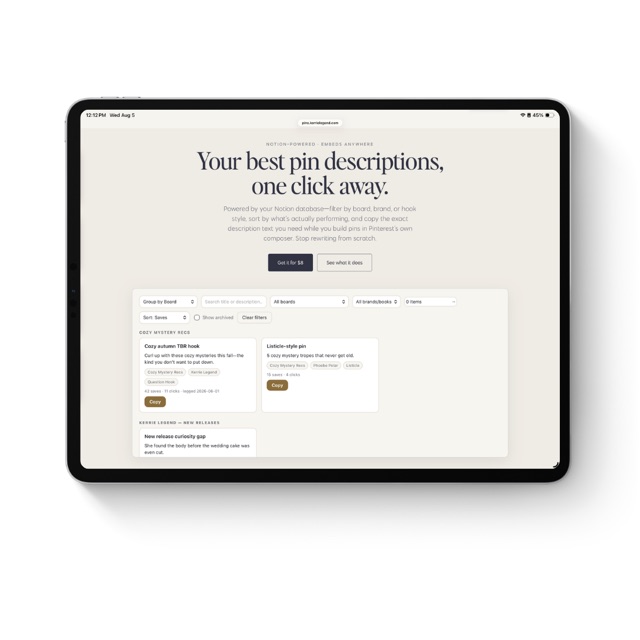
Your best pin descriptions, one click away.
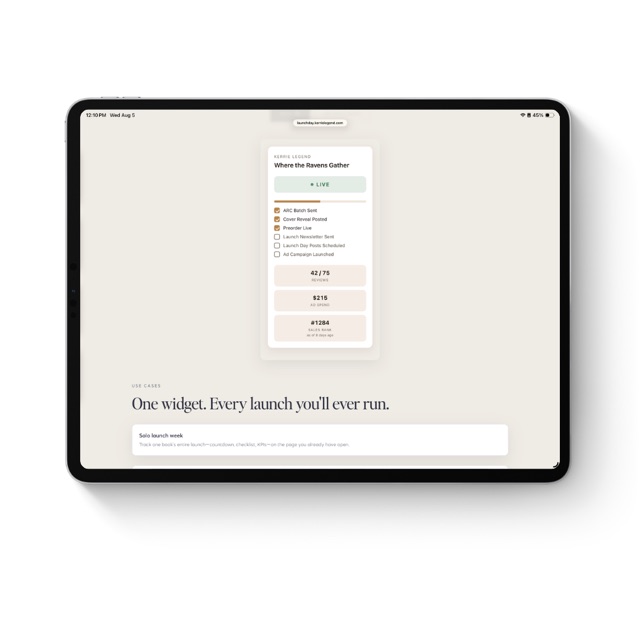
Your launch week, one glance in Notion.
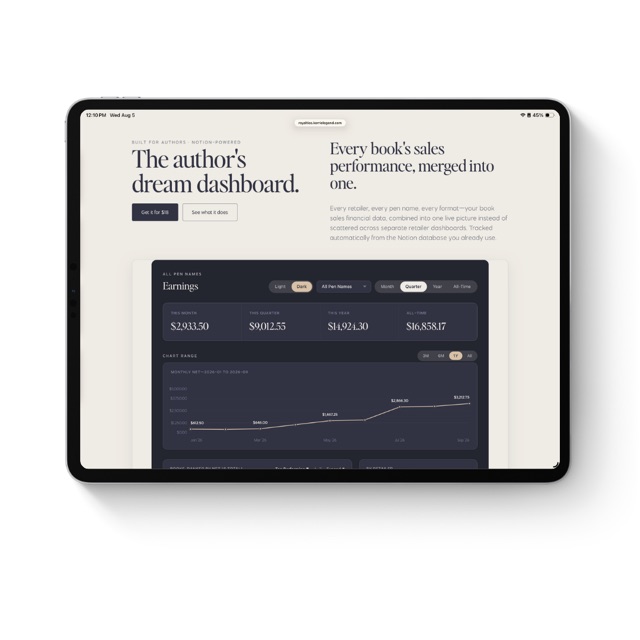
Every retailer, every pen name, one live royalty dashboard.